
The key idea
Begin with the message, product and shot list. Use approved references to generate bounded shots, then assemble and inspect the film. Generation does not replace the brief or creative direction.
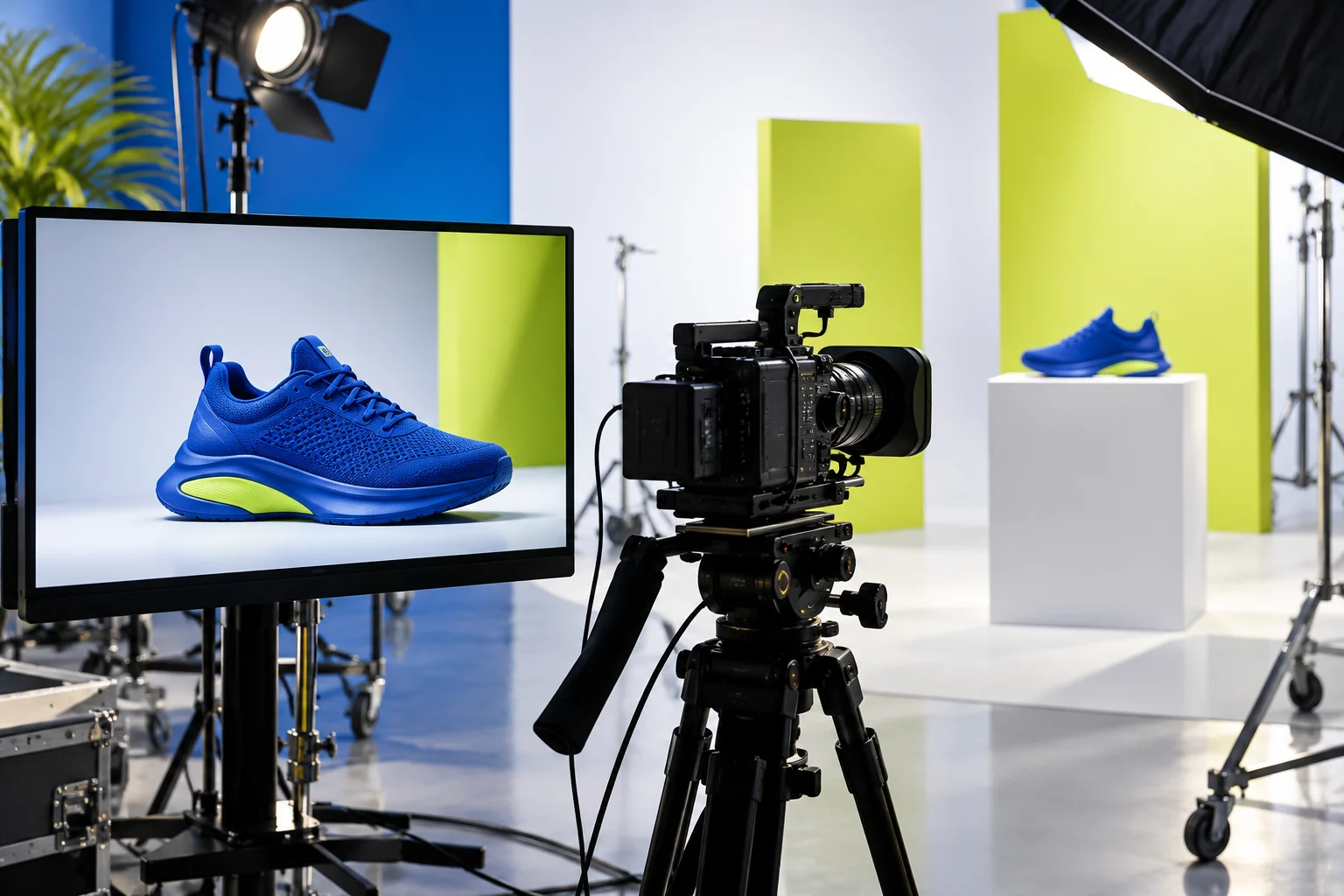
Illustrative scenario — not a client result.
The starting point
- Objective, audience, channel and target duration
- Authorised product images, palette, separate logo and brand rules
- Storyboard, motion references and cleared audio
1. Write the promise and storyboard
For a fifteen-second concept, try a three-second hook, seven-second demonstration and five-second close. This is a creative proposal, not a platform rule. Give every shot a role: show a problem, introduce the product or guide action.
2. Prepare references
Select a precise product reference and consistent setting images. Separate identity, composition and motion references. GPT or Claude can help formalise the brief, while an image tool can develop concepts. Check logos, shapes and details before sending references to the video tool.
3. Generate a controllable Seedance shot
Check supported inputs, duration, format and usage terms in the service version available to you. Describe subject, action, camera movement, lighting and constraints. One simple action is easier to evaluate than a long sequence with several transitions. Save each prompt and its references.
4. Edit, inspect and adapt
Assemble shots in an editor. Add final text and logo separately for legibility and fidelity. Check product continuity, movement, music, captions and placement-safe areas. Test a different opening without changing every element at once.
A practical example
Advertising video shot for a fictional unbranded blue shoe. Objective: show texture, without unproven performance claims. Preserve the attached product reference. Close-up, slow lateral camera move, stationary shoe on a white plinth, studio lighting, lime background. One camera action. Do not alter the shape or add logos, text or people. End on a stable frame for editing.
| Proposed shot | Purpose | Check |
|---|---|---|
| 0–3 seconds | Visual hook | Recognisable product |
| 3–10 seconds | Product detail | Consistent shape and texture |
| 10–15 seconds | Close and next action | Legible text added in editing |
How to assess progress
- The page image is a generated concept, not a client video delivery.
- Verify the service and version actually used; access is not identical everywhere.
- Do not treat generated scenes as performance evidence or real testimonials.
Official sources
ByteDance Seed · SeedanceTurn one brief into three creative angles
A fictional reusable aluminium bottle provides a complete brief for a small campaign.
View detailsThese demonstrations use fictional briefs, documents and synthetic data. They are examples of method, not client results.
MindVerve
Want this workflow built for your team?
MindVerve supports the creative production process: message, brief, storyboard, tool selection, references, shot review and testing. Video quantities and editing services are defined in the quote.
Discuss my AI workflowFive areas. One coherent direction.